For Startup CTOs
Free to start · No credit card

Your architecture decisions never disappear again.

Stack choices, rejected approaches, active tradeoffs—saved once, available in Cursor, Claude, and every AI tool you use. Build faster. Repeat yourself never.

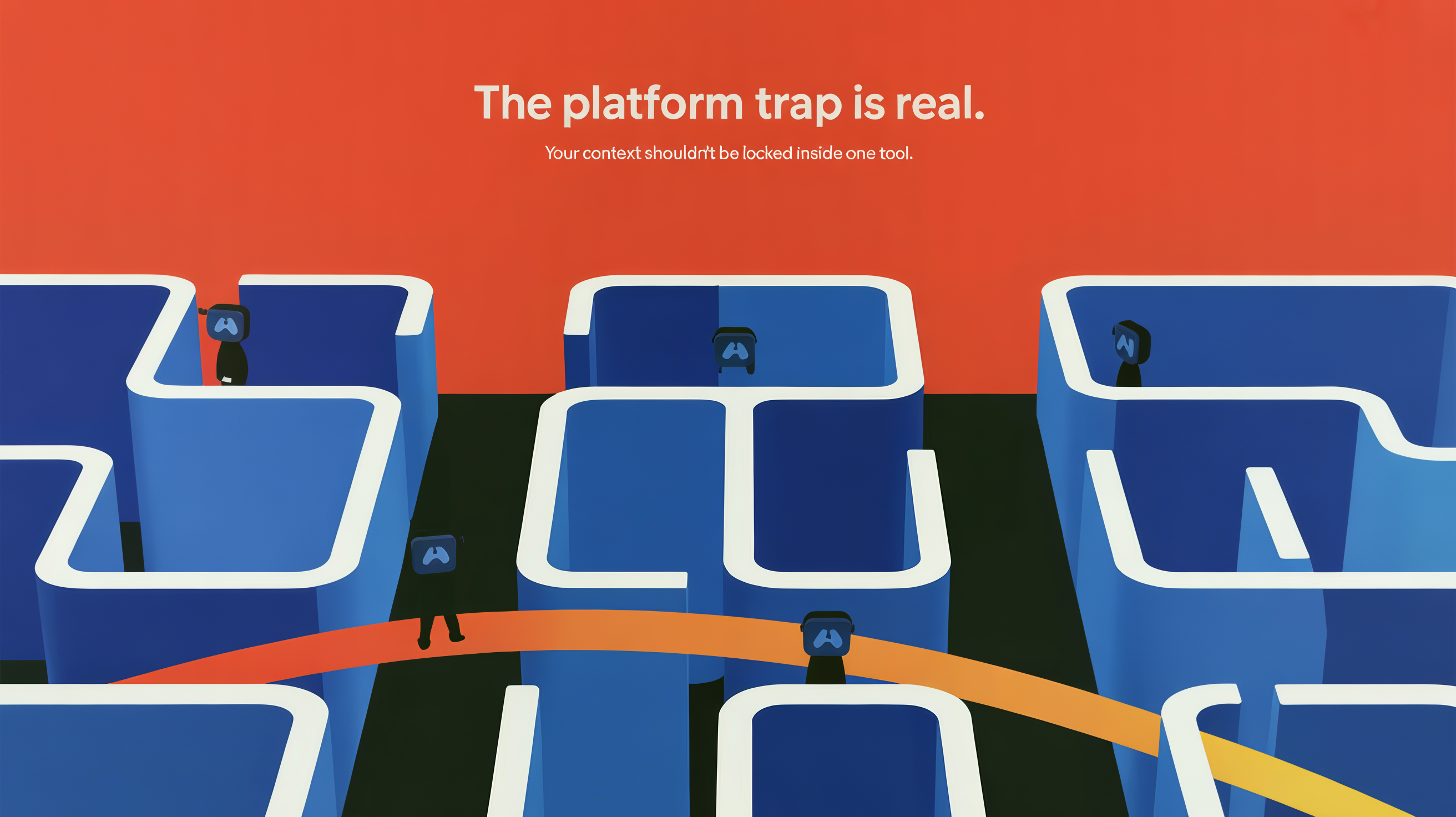
The Platform Trap Is Real
Get Started Free

The Problem

"Architecture decisions get lost between tools."

You make a decision in Claude about FastAPI vs Django. Your engineers encounter it in Cursor with zero context. The reasoning behind the choice is lost by the time someone needs it.

"Every new engineer starts from scratch."

FastAPI, PostgreSQL, Vercel, TypeScript strict mode—explained again and again. New hires lose weeks ramping on your stack. Your AI coding tools are equally clueless.

"Technical debt lives in your head."

You know what's off-limits, what's performance-critical, what migration paths are blocked. Your AI tools don't. So they suggest technically correct but strategically wrong solutions.

The Solution

PROJECTS layer captures architecture decisions

Architecture decision records, accepted/rejected approaches, active tradeoffs—saved with reasoning. Available in Claude, Cursor, and every AI tool simultaneously.

SELF layer holds your full tech stack permanently

Your stack, constraints, engineering principles, known technical debt, performance requirements. Loaded automatically in every AI session. No re-explaining.

MCP connector brings context natively into every AI editor

CacheTank works in Cursor, Windsurf, Claude Desktop. Your architecture context is available everywhere you code. One source of truth.

How It Works

1

Cache it

Document an architecture decision, tech stack choice, or constraint. Say "Cache it." CacheTank structures it.

2

/ctx URL

Get a shareable URL. Paste it in Claude, Cursor, or Windsurf. Your architecture context loads instantly.

3

AI knows you

Your AI tools now know your stack, constraints, and technical debt. Better code suggestions. Fewer wrong decisions.

Questions?

How do startup CTOs use CacheTank for engineering decisions?

Document your architecture decisions, stack choices, and constraints. Say "Cache it." CacheTank creates a /ctx URL. Paste it in Claude or Cursor. Your engineering team and AI tools now know your full technical context—no re-explaining.

Can I share architecture context across Cursor and Claude?

Yes. CacheTank works everywhere. Document your architecture once. Get a /ctx URL. Use it in Claude, Cursor, Windsurf, or Claude Desktop. Your architecture context is available in every tool, simultaneously.

How do I save technical decisions for AI coding tools?

Use "Cache it" on architecture decision records, tech stack documentation, or constraint lists. CacheTank structures the decision and generates a /ctx URL. Load it in any AI editor. The tool now knows your technical constraints and won't suggest wrong solutions.

What is a persistent context layer for engineering teams?

A persistent context layer is a structured repository of your technical decisions, stack, and constraints—accessible to every team member and AI tool, automatically. No Slack threads, no lost documentation. One source of truth.

How do I stop re-explaining my tech stack to AI tools?

Store your tech stack in CacheTank's SELF layer. Document FastAPI, PostgreSQL, Vercel, TypeScript settings—all your constraints and preferences. Load the /ctx URL in any AI tool. Your full stack context is available. Never explain again.
Pricing

Free

$0

Perfect for exploring CacheTank

  • ✓ 2 PROJECTS
  • ✓ Basic SELF layer
  • ✓ 10 Cache it per month

Team

$8/week

For engineering teams and startups

  • ✓ Everything in Pro
  • ✓ Up to 5 team members
  • ✓ Shared architecture context
  • ✓ Team SELF layer
  • ✓ Priority support

Pause anytime — 1, 2, 3, or 4 weeks. Your library waits for you.

Your architecture decisions, always accessible.

Get Started Free